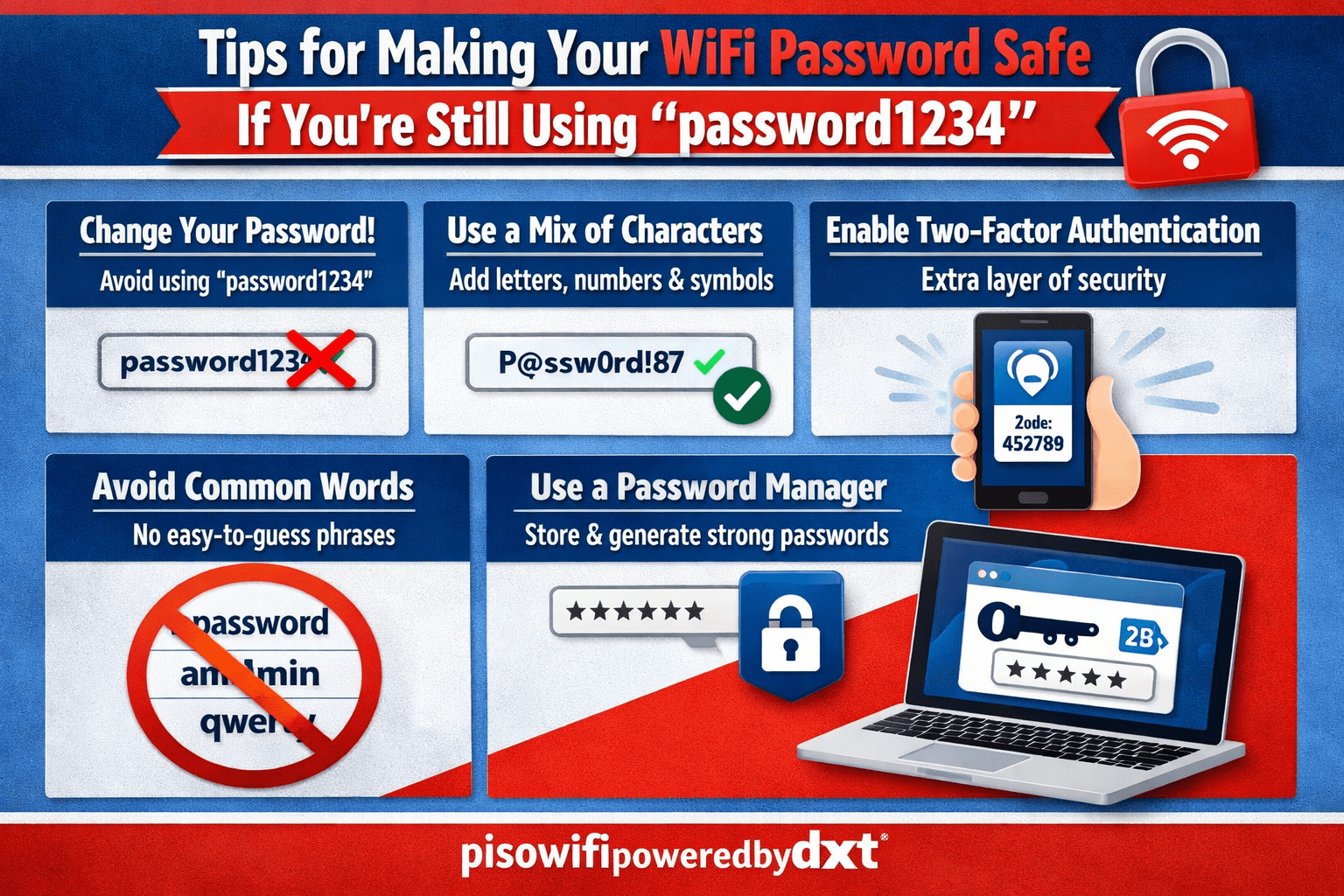
Tips for Making Your WiFi Password Safe If You’re Still Using password1234
If your WiFi password is still something like password1234, you are not alone—but you are also leaving your network wide open. Weak passwords are one of the easiest ways for strangers, neighbours, or automated bots to get into your home network. That can lead to slower internet, stolen personal data, and unwanted access to your devices.
The good news is that improving your WiFi password safety does not have to be complicated. With a few practical changes, you can make your network much harder to break into.
Why a Weak WiFi Password Is a Big Problem
A weak password is easy to guess, and modern hacking tools can try thousands of common passwords in seconds. Passwords like:
password123412345678qwerty- your street name or pet’s name
…are especially risky because they are among the first combinations attackers try.
Once someone gets into your WiFi, they may be able to:
- Use your internet connection without permission
- Access shared devices on your network
- Intercept unprotected traffic
- Try to reach smart home devices, printers, or cameras
That is why improving your WiFi password safety should be a priority.
Use a Strong, Unique Password
The best first step is to replace password1234 with a much stronger password. A good WiFi password should be:
- At least 14 to 16 characters long
- Hard to guess
- A mix of uppercase and lowercase letters, numbers, and symbols
- Unique, meaning not used for any other account
Example of a stronger password
Instead of something obvious, use a phrase or random string such as:
Blue!Piano7River#Coffeem7!Turtle$Window92Fork-Cloud9!Desk#Leaf
These are much harder to crack than a simple word plus a few numbers.
Avoid Personal Information
Many people create passwords based on things they can remember easily, such as:
- Their name
- Birthday
- Address
- Phone number
- Pet names
- Favorite sports team
This might feel convenient, but it makes the password easier to guess. Social media profiles and public records can give attackers enough clues to narrow down your password choices.
A better approach is to choose something random or use a passphrase that only makes sense to you.
Use a Passphrase Instead of a Single Word
A passphrase is a string of unrelated words that is easier to remember but still hard to crack. For example:
PurpleMangoLamp!47StoneRiverBird#81JazzFenceRocket$62
Passphrases are useful because they can be long and memorable without being predictable. The longer the password, the harder it usually is to break.
Change the Default Router Login Too
Many people focus only on the WiFi password and forget about the router admin login. That is a mistake. If your router still uses the default username and password, someone who gets in could change your settings.
Check your router settings and make sure the admin login is also secure. If the default is something like:
admin / adminadmin / password
change it right away.
Turn on WPA3 or WPA2 Security
Your WiFi password works best when paired with strong encryption. In your router settings, look for:
- WPA3 if available
- WPA2-AES if WPA3 is not supported
Avoid outdated security types like WEP or WPA, which are much easier to crack.
A strong password alone is not enough if your network uses weak encryption.
Update Your Router Firmware
Router updates often include security fixes. If your router is running old firmware, it may have vulnerabilities that attackers can exploit even if your password is strong.
Log in to your router dashboard and check for updates. Some newer routers can update automatically. If yours can, turn that feature on.
Share Your Password Carefully
Even a great password can become unsafe if too many people know it. Be selective about who gets access to your network.
A few tips:
- Share the WiFi password only with people you trust
- Change it after guests leave for a long time
- Use a guest network for visitors if your router supports it
- Avoid writing the password on a visible sticky note
If you need to share it with family, consider using a password manager or secure message app instead of plain text.
Change the Password Periodically
You do not need to change your WiFi password every week, but it is smart to update it if:
- Someone untrusted had access
- You suspect the password was shared too widely
- You notice unknown devices on your network
- You previously used something weak like
password1234
A fresh password can help remove old access and reduce risk.
Check Connected Devices Regularly
Most routers let you see which devices are connected. This is a simple way to spot anything suspicious.
Look for:
- Unknown phones or laptops
- Devices connected at odd times
- Names you do not recognize
If you see something strange, change your password immediately and review your router settings.
Use a Password Manager
If remembering a strong WiFi password seems difficult, a password manager can help. It stores secure passwords so you do not have to memorize every one.
This is especially useful if you want to:
- Create a long, random WiFi password
- Keep your home network password different from your email or banking password
- Avoid falling back to weak options like
password1234
Final Thoughts
If you are still using password1234, now is the time to make a change. A safe WiFi password should be long, unique, and difficult to guess. Pair that with strong router settings, updated firmware, and careful sharing habits, and your home network will be far better protected.
Small changes make a big difference. Start with the password, and you will already be ahead of many common security risks.