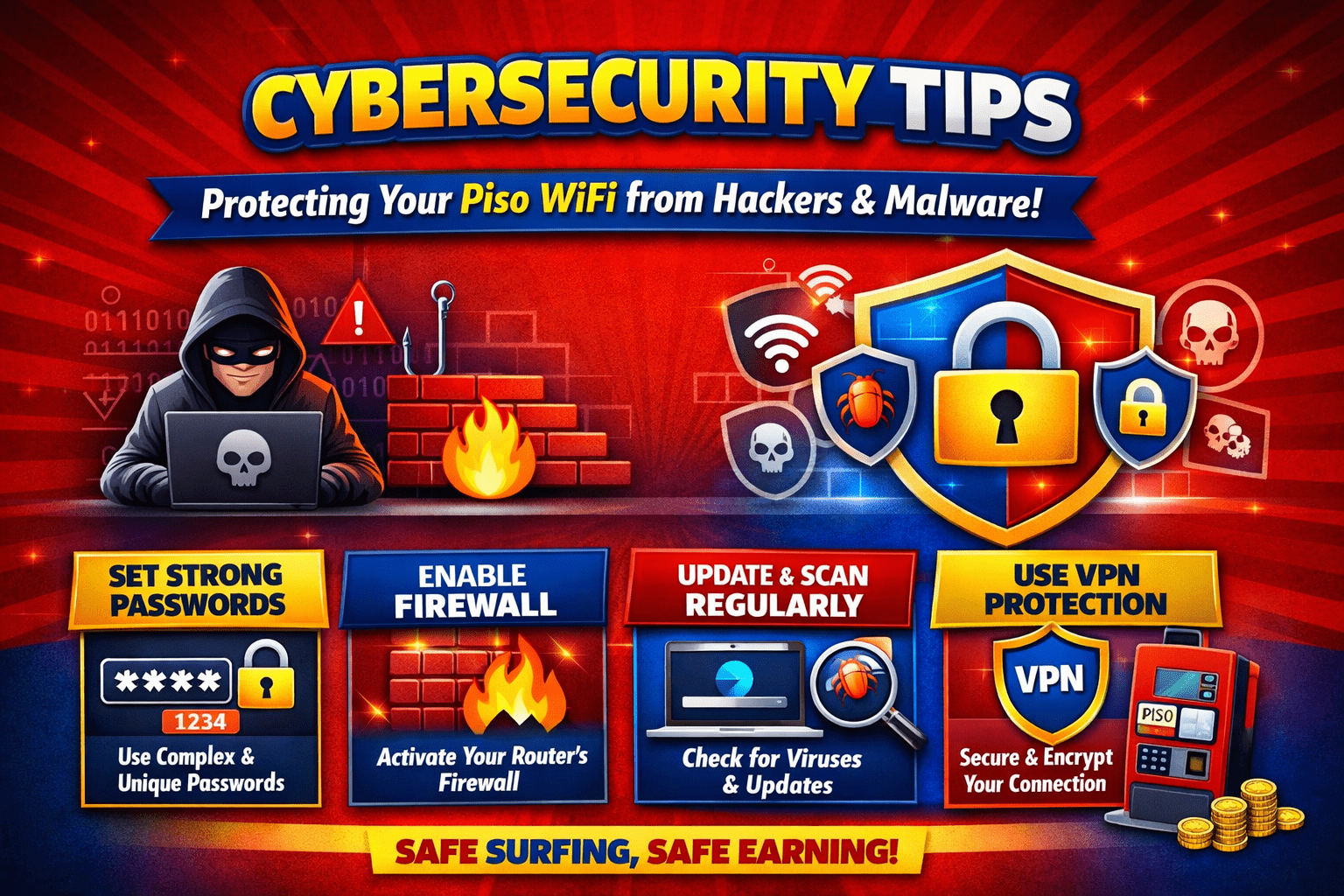
Cybersecurity Tips to Protect Your Piso WiFi from Hackers and Malware
Piso WiFi systems are a convenient way to share internet access in homes, small businesses, and public spaces. But because they are connected to the internet and often used by many people, they can also become targets for hackers and malware. If you run a Piso WiFi setup, security should be one of your top priorities.
A weakly protected network can expose your data, slow down performance, or even allow someone else to take control of your device. The good news is that with a few practical steps, you can greatly reduce the risk. These cybersecurity tips will help you protect your Piso WiFi from common threats and keep it running safely.
Why Piso WiFi Security Matters
A Piso WiFi network is not just an internet hotspot. It is often connected to a router, admin portal, payment system, and user access controls. If any one of these parts is compromised, the entire setup can be affected.
Hackers may try to:
- Steal admin credentials
- Change network settings
- Install malware on the device
- Monitor traffic
- Use the network for illegal activity
- Lock you out of your own system
Even if you are only running a small setup, attackers may still target it because many Piso WiFi devices use default passwords or outdated firmware. That makes them easy targets.
Use Strong Admin Credentials
One of the simplest ways to secure your Piso WiFi is to change the default login details immediately after setup. Many devices come with usernames and passwords that are publicly known or easy to guess.
Best practices for passwords:
- Use a long password with at least 12 characters
- Combine uppercase and lowercase letters, numbers, and symbols
- Avoid common words, names, or birthdates
- Do not reuse passwords from other accounts
Also, change the admin username if your system allows it. This adds another layer of protection and makes brute-force attacks harder.
Keep Firmware and Software Updated
Outdated firmware is one of the biggest security risks for any internet-connected device. Manufacturers often release updates to fix bugs and security holes that hackers may exploit.
Check for updates regularly for:
- The router
- The Piso WiFi management software
- The payment or vending system
- Connected devices or mini-PCs running the service
If your system has an automatic update option, enable it. If not, set a reminder to review updates every month. Applying patches promptly can help stop malware from taking advantage of known vulnerabilities.
Secure the WiFi Network Itself
A strong admin password is not enough if the WiFi signal itself is left open or poorly protected. Make sure your wireless network is configured securely.
Important settings to review:
- Use WPA2 or WPA3 encryption
- Disable WEP, which is outdated and insecure
- Change the default SSID if it reveals the device brand or location
- Hide the network if appropriate for your setup
- Use a separate guest network if possible
If your Piso WiFi serves many users, isolating guest traffic from the main admin network is especially important. That way, users cannot easily access internal settings or other connected devices.
Limit Access to the Admin Panel
Your admin dashboard should never be exposed to everyone on the network. Restrict access as much as possible.
You can improve security by:
- Allowing admin access only from a specific device or IP address
- Using a VPN for remote management
- Disabling remote access if you do not need it
- Logging out after each session
If possible, place the admin panel on a separate private network that regular users cannot reach. This is one of the most effective cybersecurity tips for protecting a Piso WiFi setup.
Watch for Suspicious Activity
Hackers often leave signs before they cause major damage. Regular monitoring can help you catch issues early.
Look out for:
- Unknown users connected to the network
- Unexpected changes in settings
- Slower-than-usual performance
- Login attempts you did not make
- Pop-ups or strange messages in the admin interface
Review logs if your system provides them. If you notice repeated failed login attempts, change passwords immediately and check for unauthorised access. The earlier you respond, the less damage malware or intruders can do.
Install Anti-Malware Protection
If your Piso WiFi runs on a computer, mini-PC, or Android-based device, install reliable anti-malware software. This helps detect malicious files, suspicious downloads, and compromised applications.
Good habits include:
- Running regular scans
- Updating virus definitions
- Avoiding unverified software downloads
- Removing unused apps or plugins
- Scanning USB drives before use
Malware can enter through infected files, unsafe downloads, or compromised remote tools. Keeping protection software active makes it harder for threats to spread.
Backup Your Settings and Data
If your network is hacked or corrupted, having a backup can save you time and money. Back up your system configuration, user settings, and any important data on a regular basis.
Store backups in a secure location, such as:
- An external drive is kept offline
- A cloud account with strong security
- A separate encrypted backup device
A recent backup allows you to restore your Piso WiFi quickly after an incident instead of starting from scratch.
Educate Anyone Who Has Access
If other people help manage the system, they should understand basic security rules. Human error is a common cause of security problems.
Make sure they know to:
- Never share admin passwords
- Avoid suspicious links or attachments
- Report unusual activity immediately
- Use only trusted devices for management
Good cybersecurity is a team effort. Even a strong system can be weakened by careless access or poor habits.
Final Thoughts
Protecting your Piso WiFi from hackers and malware does not have to be complicated. By using strong passwords, updating software, securing the network, and watching for suspicious activity, you can build a much safer system.
These cybersecurity tips are simple, practical, and effective. Whether your Piso WiFi is used in a small shop or a busy community space, taking security seriously helps protect your users, your data, and your business.